The Nucleus M Remote Follow Focus Kit is a revolutionary tool that has significantly impacted the film industry. This guide aims to provide beginners with a comprehensive understanding of how to effectively use the Nucleus M remote follow focus system. By delving into the who, what, where and how aspects of this device, filmmakers can unlock its full potential in capturing captivating shots.
What is the Nucleus M Remote Follow Focus Kit?
The Nucleus M Remote Follow Focus Kit is a professional wireless focus system designed specifically for film productions. It consists of a hand unit, a motor and various accessory. The Kit enables filmmakers to remotely control the focus, iris and zoom settings of their camera lenses, allowing for precise and seamless manipulation of focus during shooting.
Who Can Benefit from Using the Nucleus M Remote Follow Focus Kit?
The Nucleus M Remote Follow Focus Kit is suitable for a wide range of filmmakers, including professionals and beginners focus pullers alike. It can be utilized in Various film genres such as narrative features, documentaries, commercials, and music videos. The system provides filmmakers with enhanced control over their shots, resulting in improved visual storytelling.
Where Can the Nucleus M Remote Follow Focus Kit Be Used?
Then Nucleus M Remote Follow Focus Kit can be used in diverse shooting environments, both indoors and outdoors. It is particularly useful in situations where the camera is mounted on a stabilizer, gimbal or crane as it allows the focus puller to maintain accuracy and stability while operating the camera remotely. Additionally, the wireless nature of the system provides freedom of movement, making it suitable for dynamic and challenging shooting scenarios.

How to Use the Nucleus M Remote Follow Focus Kit
1. Set up the Nucleus M System:
• Attach the motor to the camera lens securely.
• Mount the hand unit on a compatible grip or rig.
• Power on both the hand unit and the motor
2. Pairing the hand unit and the motor:
• Follow the manufacturer’s instructions to establish a wireless connection between the hand unit and motor.
• Ensure that both devices are on the same frequency channel.
3. Calibrate the system:
• Use the calibration feature to synchronize the motor with the lens.
• Follow the provided instructions to complete the calibration process accurately.
4. Operating the Nucleus M system:
• Familiarize with the hand unit controls, including the focus wheel, marking disk and function wheel
• Adjust the focus wheel to achieve the desired focus wheel to achieve the desired focus on subject
• Utilize the marking disk to mark focus points for specific shots
• Make use of the function buttons to customize settings according to your shooting requirements
5. Practice and Experiment:
• Engage in hands-on practice sessions to gain proficiency in using the Nucleus M system.
• Experiment with different focus pulling techniques such as rack focus, and follow focus, and focus transitions.
• Explore the systems additional features and accessories such as the hand unit handle extension, thumb controller and focus marking rings
The Nucleus M remote follow focus kit provides filmmakers, including beginners, with a powerful tool to enhance their creative vision.
Latest News
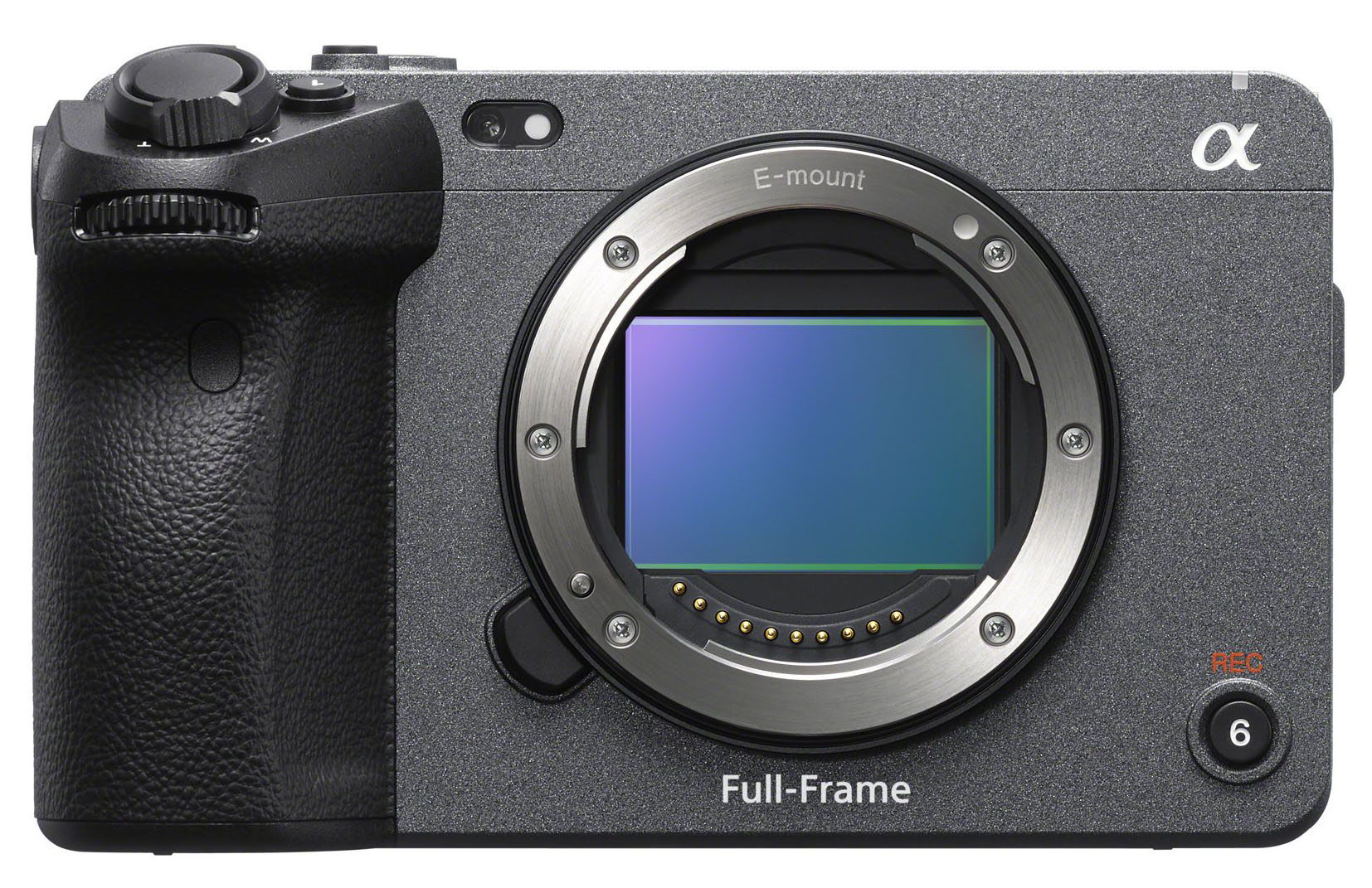
Introducing the Sony FX3: Redefining Cinematic Excellence
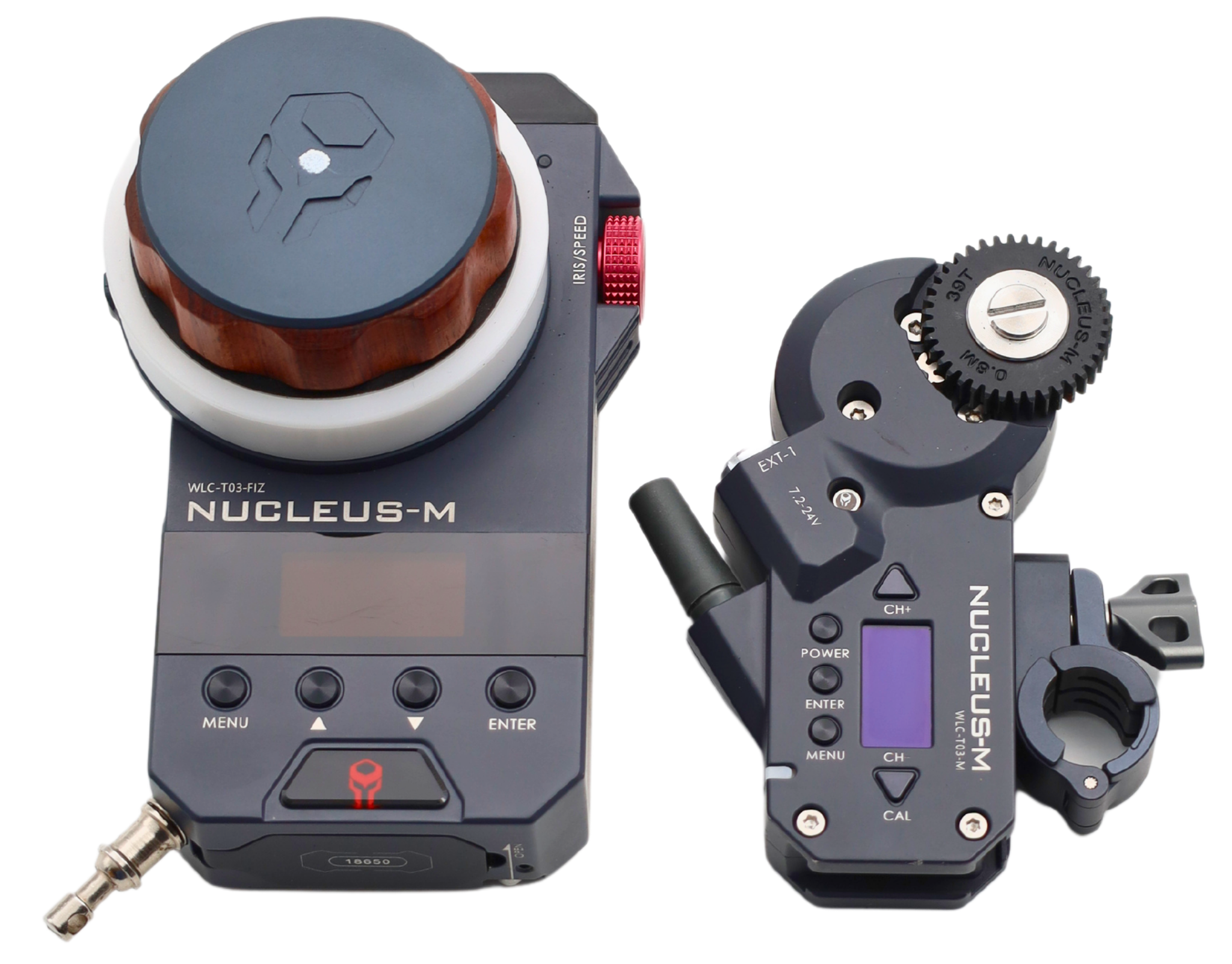
Nucleus M remote follow Focus for film: A Beginner’s Guide